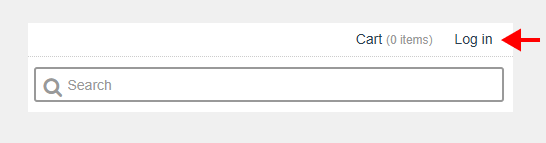
1. Go to https://central.ivrnet.com/hillsatcharlesworth/ and click on Log in.
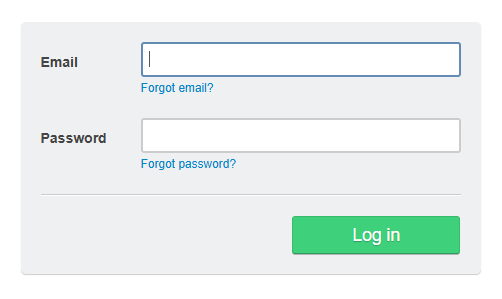
2. On the Login page, enter your email address and password. If you are unsure of your credentials, please contact info@coremanagement.ca.
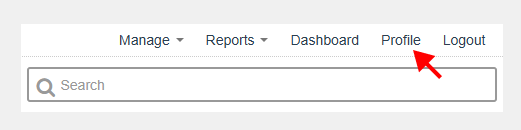
3. Once you’re logged in, click on Profile.
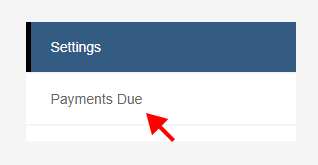
4. In your profile page, click on Payments Due.
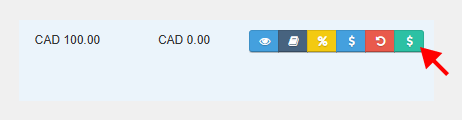
5. On the item you want to pay, click on the green $ icon.
Then click:
Then follow the prompts to complete your payment.